And it's cheap, comparatively.
But you need to go in with your eyes open. I've been researching this piece for the better part of a year and my experiences have ranged from being quite satisfied with the service to being quite ripped off and, therefore, quite pissed off.
Ah, the old caveat emptor! Who'd have thought?
IPTV delivers television content to you over the internet instead of through a traditional cable or satellite hookup. So, the first thing you need to remember is that, unlike cable companies that'll bundle your internet and TV content into one humongous bill (depending on your plan, of course), you need to start by ensuring you have a decent internet provider.
And good luck with that!
Once that's taken care of, your IPTV user experience – if it works as planned – is pretty much like streaming to your Roku, or FireStick, or just your smart TV. In fact, you'll need a Roku or FireStick or smart TV (there are a few other streaming options as well) to access it.
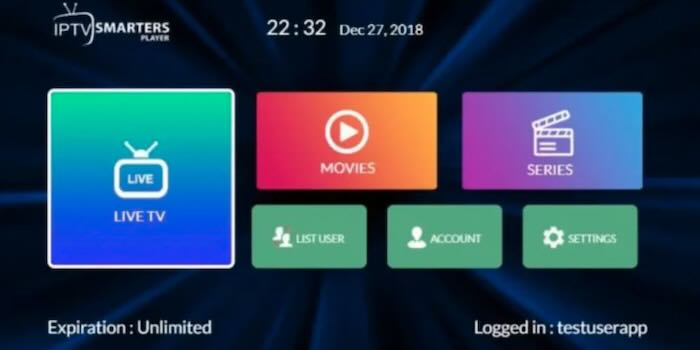
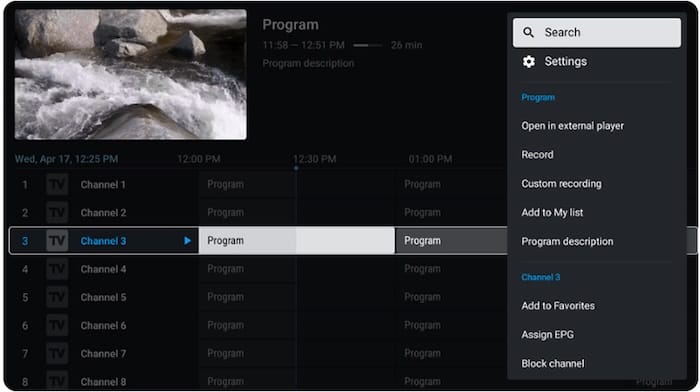
Here's what actually happens: You purchase the IPTV service from a provider (they seem to call themselves "resellers") and, once your money has made it from you to them, they'll send you info and a link to a "playlist" along with login and password information. Then you need to download an app that acts as your player.
And just as there is an abundance of IPTV providers out there (for a look at one person's take on the top IPTV dealers in Canada, follow this link, which was supposedly updated in January 2026), there is an abundance of player apps. They range from "stone knives and bearskin" quality to "Wow, where has this been all my life?" in usability and that probably translates to differences in price, too.
More on that later.